
Current Work Context
A bounded, short-lived view of the active task—assembled from permitted product signals and occasional consent-controlled observation.
How Nuvvi works
Nuvvi stays available on the Windows desktop, carries only the context the product is allowed to use, and keeps important boundaries visible.
Controlled beta accounts are open
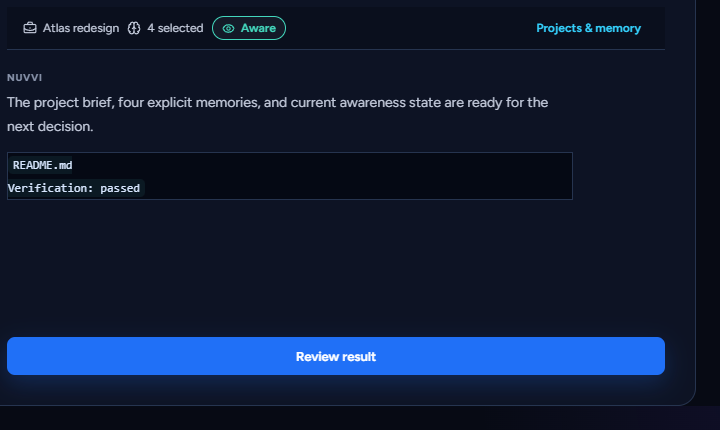
01 — Context
A bounded, short-lived view of the active task—assembled from permitted product signals and occasional consent-controlled observation.
Inspectable project facts, decisions, tasks, and preferences that you explicitly choose to keep. No hidden memory mining.
02 — Manual Look
Select a visible application window and confirm it for each request. Nuvvi captures one transient frame, sends it for that review, and does not store it in product-controlled systems. Provider processing follows the configured provider terms.
03 — Work Awareness
It starts off and requires account-local consent. When aware, Nuvvi may occasionally review the current eligible window and keep a compact context. Pause, exclude an app, clear the context, or turn it off whenever you choose.
No continuous recording. No keystrokes or clipboard. No background repository scans.
04 — Project continuity
Each local project keeps its current conversation, profile, and explicit memories together in an encrypted, account-isolated namespace. A folder reference remains only a label until you deliberately attach a workspace for coding help.
05 — Coding workflow
When you ask, Nuvvi reads bounded, relevant evidence from an attached workspace and prepares a task package. You manually copy or export it to Codex. Returned results are manually supplied and checked against current repository evidence.
Read-only inspection. Manual handoff. No autonomous executor.
06 — Private Mode
Private Mode overrides companion reactions, awareness, screen review, workspace inspection, and proactive suggestions. Your local projects and saved memory remain yours; ambient work pauses.
07 — Make the presence yours
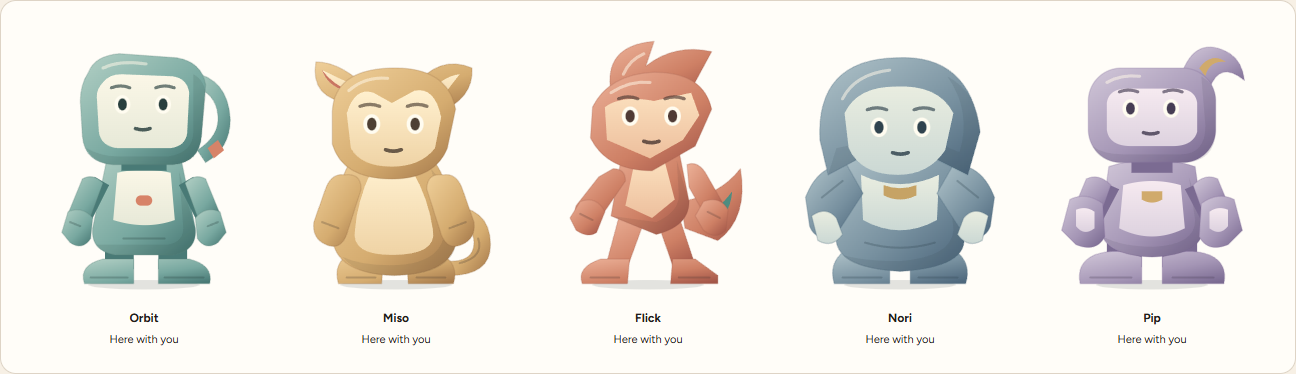
Orbit is steady. Miso is curious. Flick is resourceful. Nori is observant. Pip is optimistic. Their expression changes; the product boundaries do not.
Create a free account to request manual beta approval. Active accounts can download the Windows x64 installer from the account portal.
Controlled beta accounts are open