
Current Work Context
Useful now. Designed to fade.
A compact, short-lived sense of what you are doing can help the next conversation start in the right place.

A desktop companion for Windows
Nuvvi keeps the useful thread of a project close—so you can think, decide, and build without starting another contextless chat.
Controlled beta accounts are open
Less context switching
Nuvvi is for builders and project-heavy knowledge workers who move between decisions, documents, tools, and implementation. It keeps continuity nearby without pretending to run the work for you.
Context with boundaries
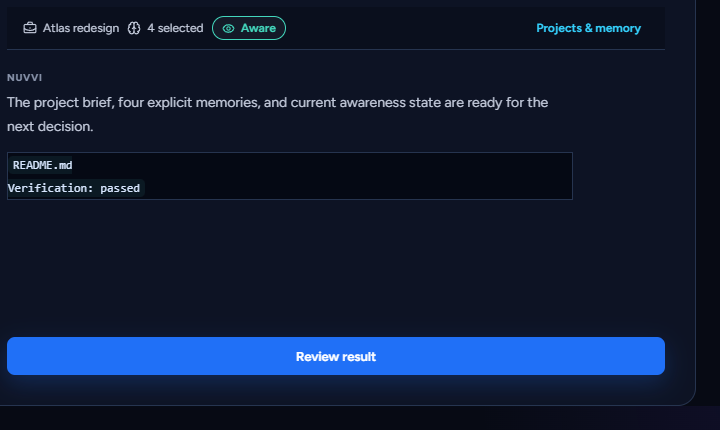
Current Work Context
A compact, short-lived sense of what you are doing can help the next conversation start in the right place.
Durable Memory
Decisions, preferences, and project facts become durable only through an explicit Remember action or edit.
Manual Look
Choose a visible window, confirm it, and let Nuvvi review one frame for that request. The app does not keep the image or add it to memory.
Coding handoff
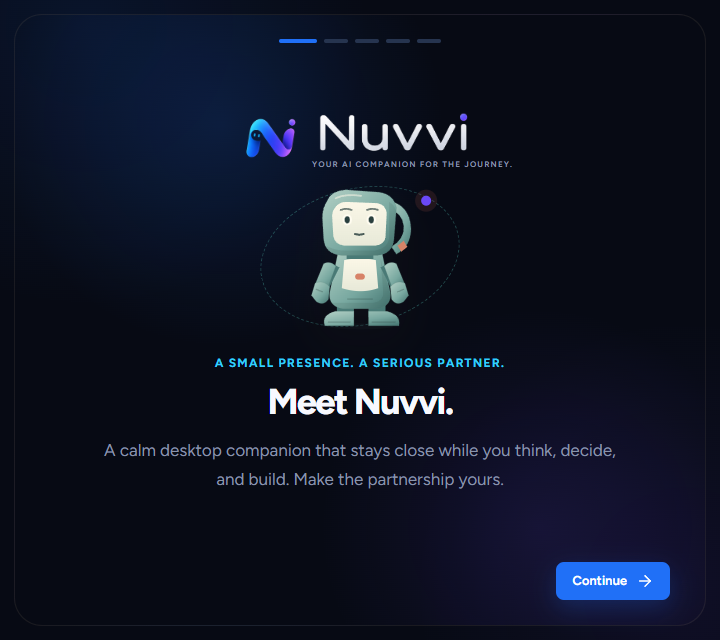
Nuvvi can prepare a bounded task package from an attached workspace. You review it, copy or export it to Codex, then bring the result back for evidence-based verification. Nothing runs automatically.
Control is part of the product
Work Awareness begins off. Private Mode stops ambient work. Nuvvi does not continuously record your screen, read keys or clipboard, or silently mine conversation into memory.
Companion identity
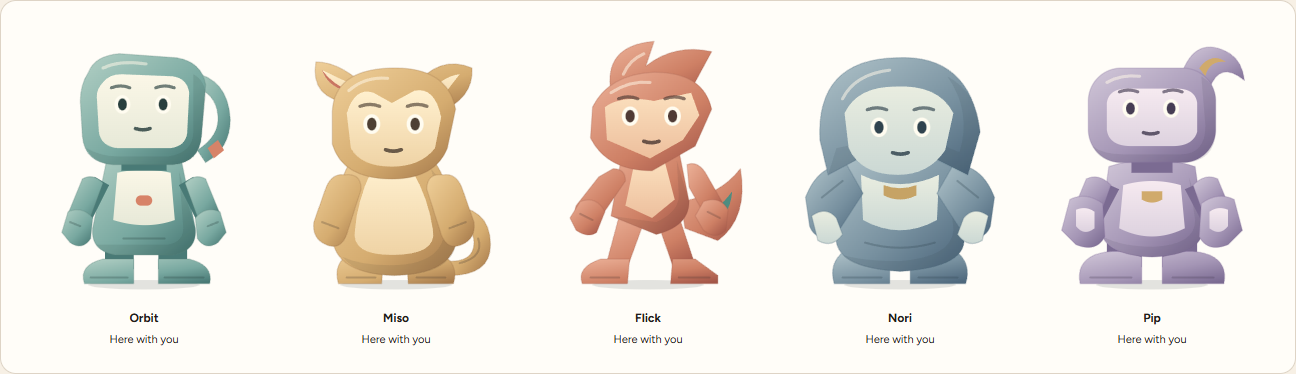
Choose Orbit, Miso, Flick, Nori, or Pip. Each has its own shape and temperament; every one follows the same privacy and control rules.
The next careful step
Public accounts are open for a small, operator-approved controlled beta. Create an account to request access; there is no payment or pricing.
Controlled beta accounts are open